We’ve been using this for a while but finally got around to documenting it – Check it out Here
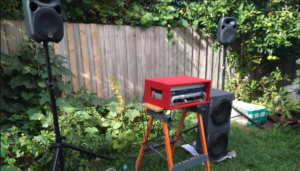
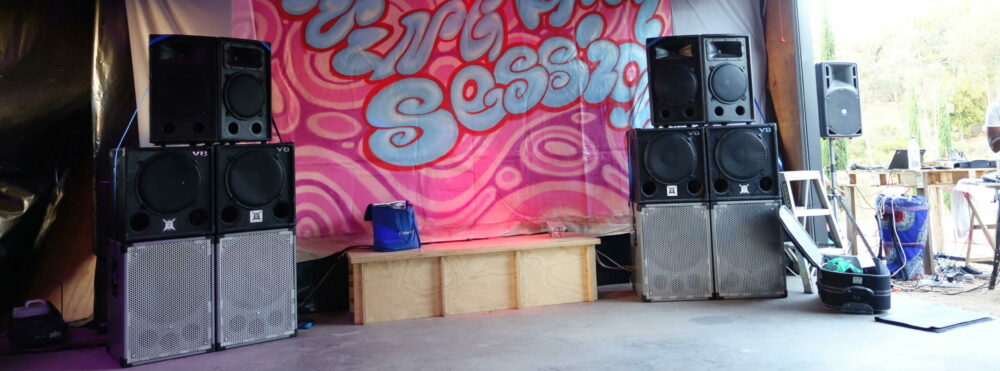
This poster came out last year, but we were a bit sidetracked with COVID-19 so only got around to mentioning it now.
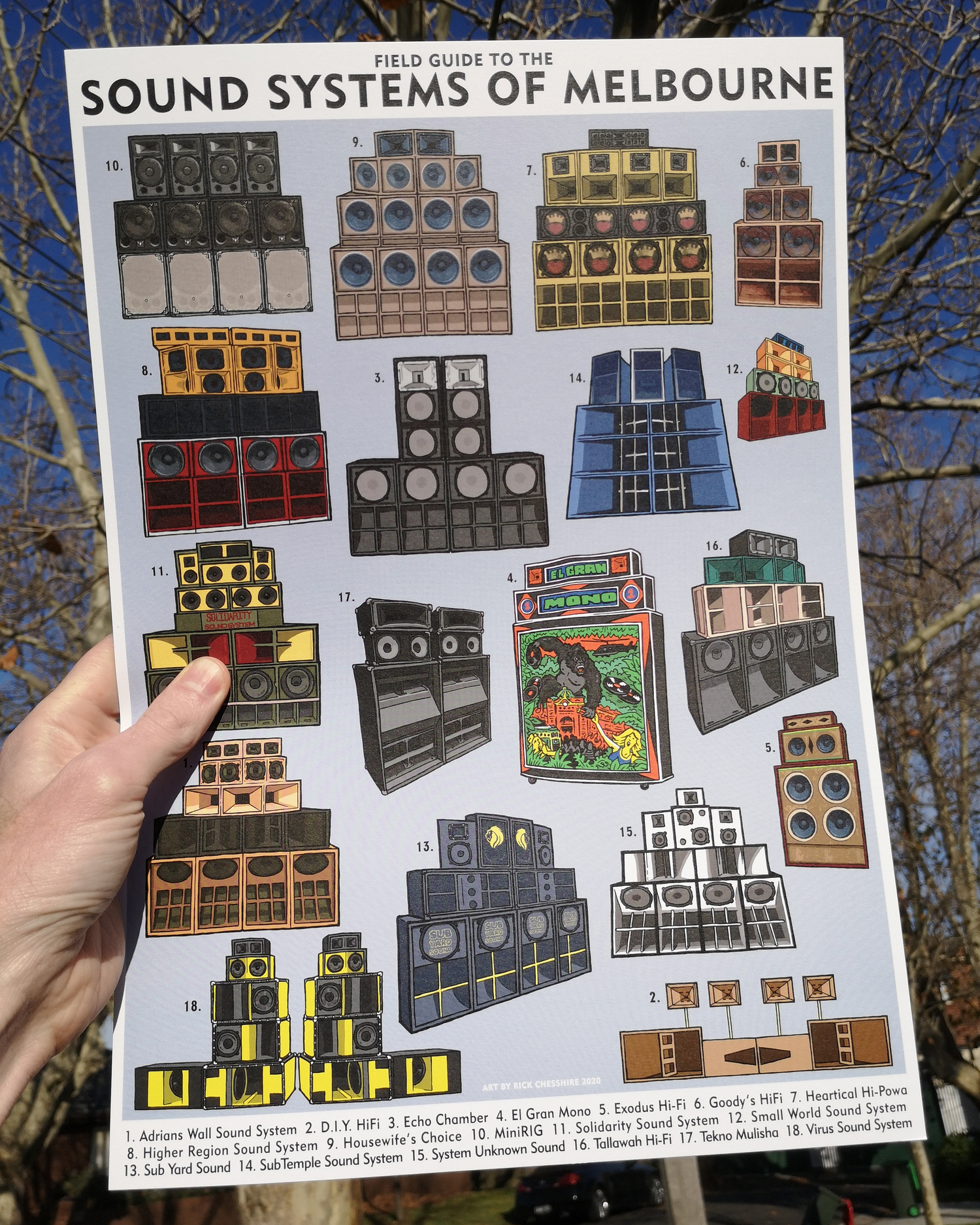
SOUND SYSTEMS OF MELBOURNE FIELD GUIDE
Published by El Gran Mono, they created a great roundup of the Sound Systems Of Melbourne in poster form, that features MINIRIG V8 as well as some other notable sound systems in on the scene.
It looks like copies are still available in the El Gran Mono shop at this link.
ZOG + Col preferred DJ software Mixxx has had a new release of stable version 2.1
this is now the preferred build to use from the official Mixxx PPA source, so the previous posts about using specific alpha builds or building from source are obsolete.
The Download instructions, including Ubuntu Linux PPA install source, are here:
MIXXX Download Instructions
The ZOG DJ rig is still:
Controller:
Pioneer DDJ SB2
Laptop
Dell Latitude E6410 with i5 M540 CPU
It has been upgraded with a Toshiba OCZ TR150 Series 960GB SSD.
OS
Xubuntu Linux, 16.04 -lowlatency kernel
The last post on MIXXX I made is now out of date, so here’s what I’ve been using recently, as since the MIXXX team are releasing .deb files of their nightly builds, I’ve been trying them instead of the self compiled version.
Installed version of MIXXX
mixxx-2.1.0-alpha-pre-master-git6340-release-xenial-amd64.deb
Downloaded from http://downloads.mixxx.org/builds/master/release/
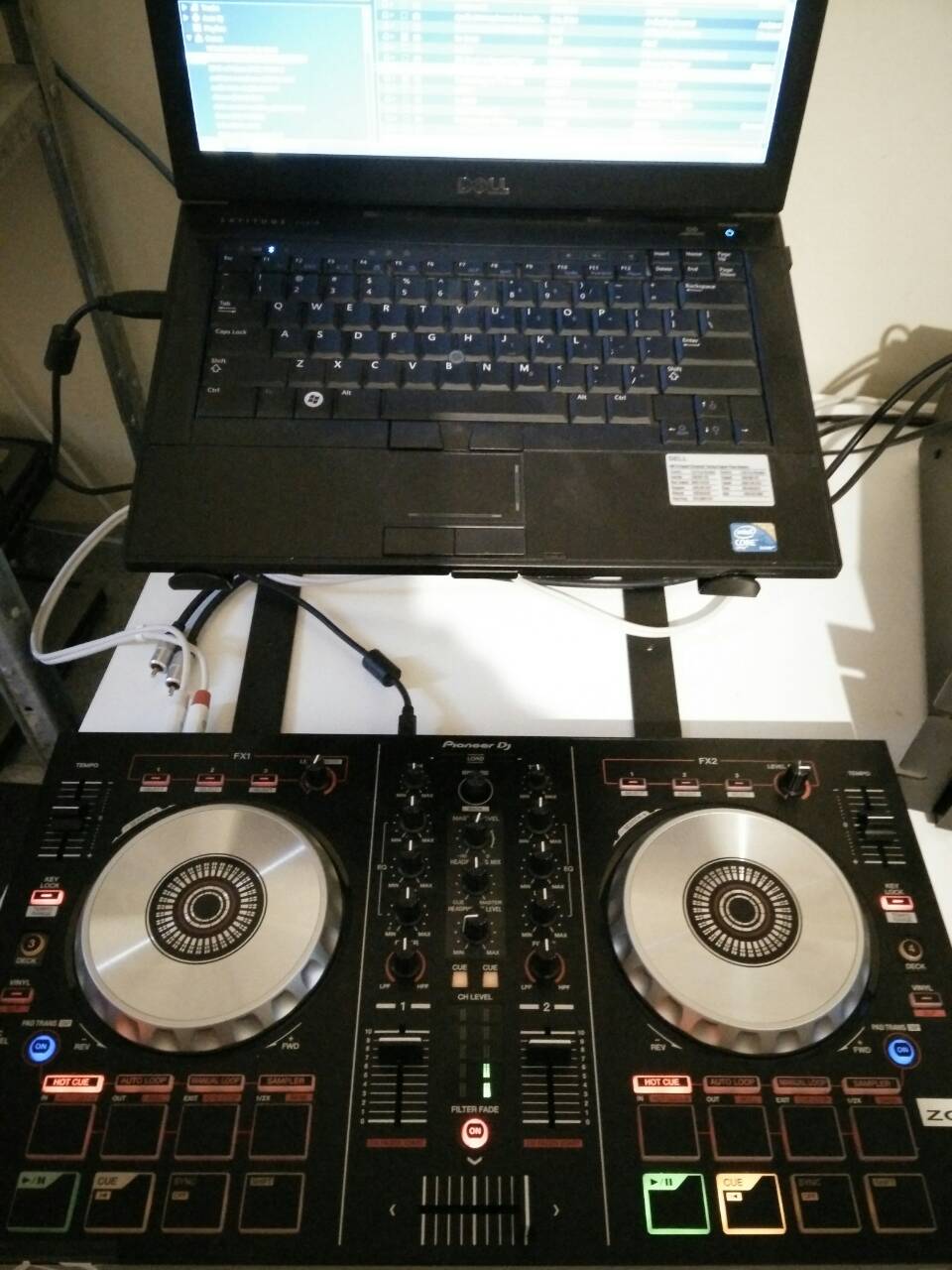
ZOG DJ rig with DDJ SB2
The new release from stalwarts of the Clan Analogue label, some nice bleep bleep ambiance to relax with:

https://clananalogue.bandcamp.com/album/random-acts-of-elevator-music
CA052: Random Acts of Elevator Music | Random Acts of Elevator Music
I was recently given a Native Instruments Audio2 DJ interface, this is a great little card with working Linux drivers that works well with MIXXX using a variation of the .asoundrc available on the MIXXX site and other locations.
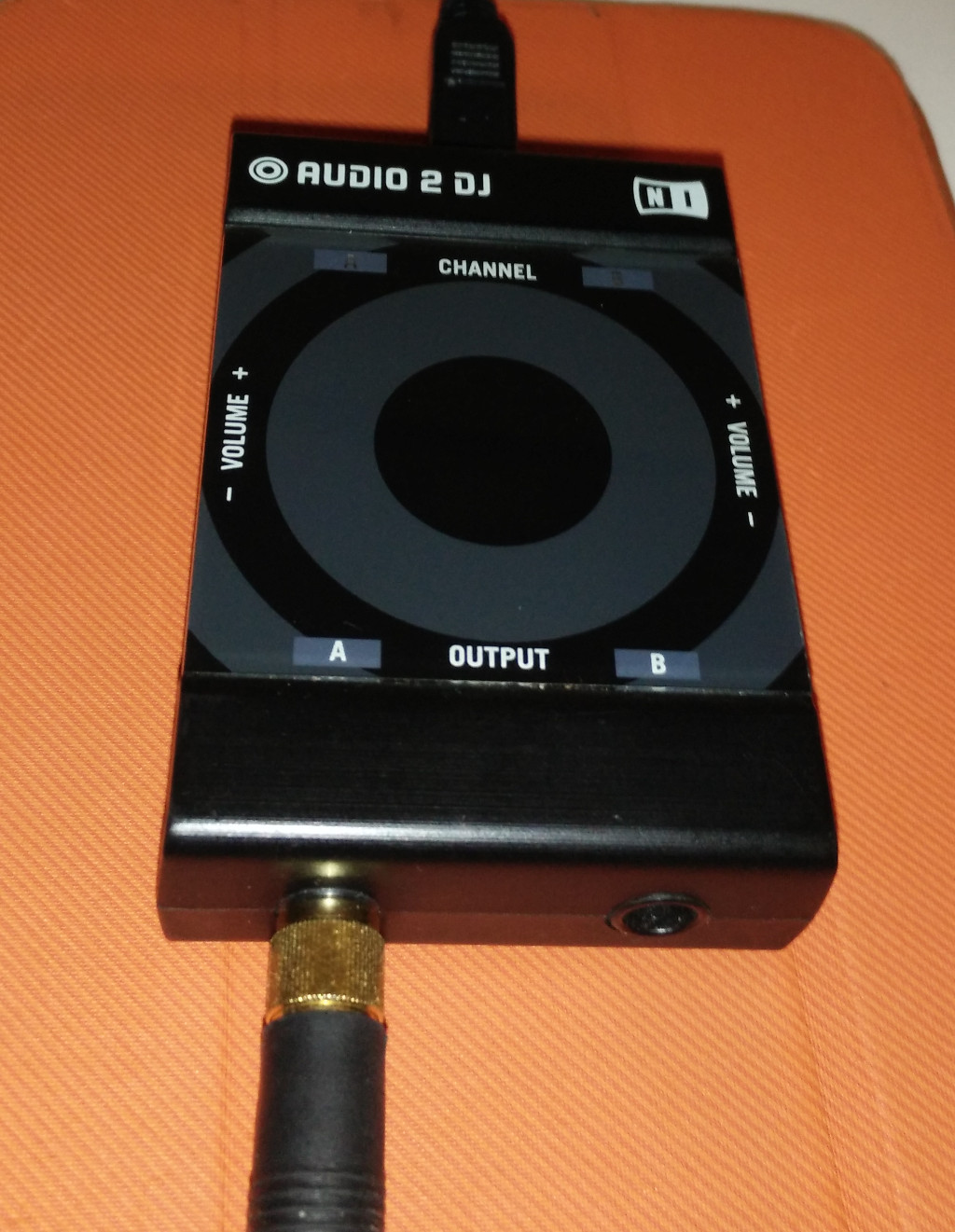
But either my version of the card, or the Linux driver has changed, as my card identifies differently so the config files available elsewhere don’t work with my OS (Xubuntu 14.04 with kernel 4.2.0-18-lowlatency).
Here is a simple script I run after starting up mixxx in a separate terminal as root, i.e.
with:
sudo bash mixxx-max-perf.sh
TLDR: If you can’t get multichannel USB audio working with CrossDJ on Android 6+, editing the /system/etc/audio_policy.conf file might help, if your device is rooted, and you don’t care about your warranty.
read on for how to do it, if you are comfortable with Linux shell commands and throwing your warranty to the wind. This is an updated version of a post I made to the Mixvibes support forum that they got a bit nervous about and locked…
Continue reading
I’m just documenting this here for reference, and perhaps others find this useful.
So here are the steps….
Continue reading
After working out some specs, Richard from Australian Technical Production Services (ATPS) made up a more suitable drop-in replacement power supply module for the SH-101 T1 transformer. Now I can run on the original wall wart and batteries again! The PSU fits snug, SH-101 sounds great (same as before) and it’s also very reasonably priced! 🙂
More pics here.